


Digital 3D and web production studio
Interactive 3D, AI and web experiences, built for the browser
Calesta designs and builds browser-based 3D, AI and web experiences that make places, services and training easier to understand, explore and share — without separate software installations.
Browser-based 3D environment
The Vanhankylänniemi windmill, in your browser
Explore the windmill as a 3D Gaussian Splatting environment. Orbit the mill or walk its surroundings — directly in the browser, with no installs.
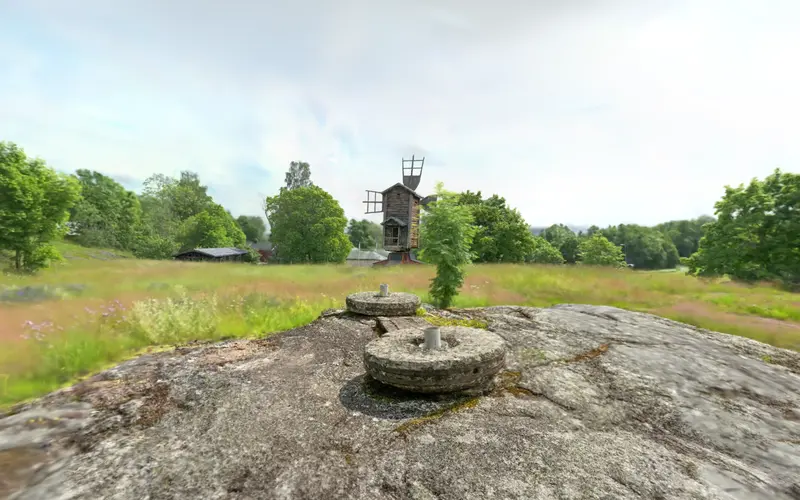
Calesta's own showcase. Orbit the mill or walk around it.
Who it is for
What Calesta makes possible
Pick your field. See what a visitor can do without installing anything, and what it brings you.
Spaces and properties
A tenant, buyer or event planner walks through the space in a browser before ever visiting.
Fewer wasted visits and a faster decision.
Example in preparation. Tell us what you need and we will show the closest one.

Tourism and destinations
A traveller explores your destination on their phone before deciding to travel or book.
The destination stays in mind, and the link travels as it is.
Municipalities and culture
A historic site or collection becomes visible to people who cannot be there in person.
Residents, pupils and visitors reach the site with a single link.
Training and safety
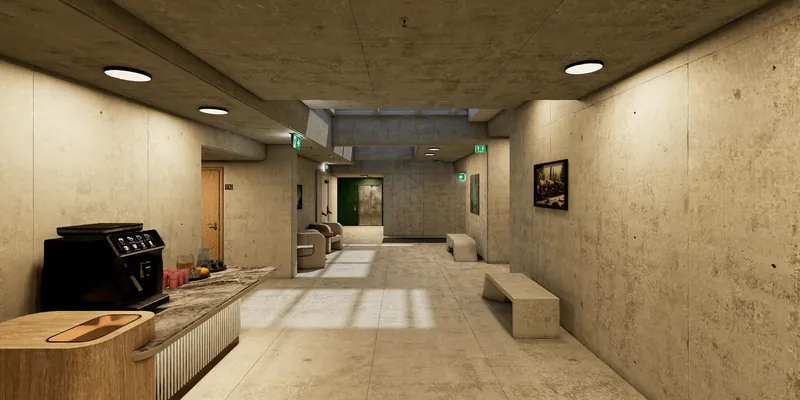
A person practises work steps and hazardous situations, guided, in a browser.
The organisation can see who has completed the training. The solution supports each organisation's own training obligations.
Flagship product · Reference
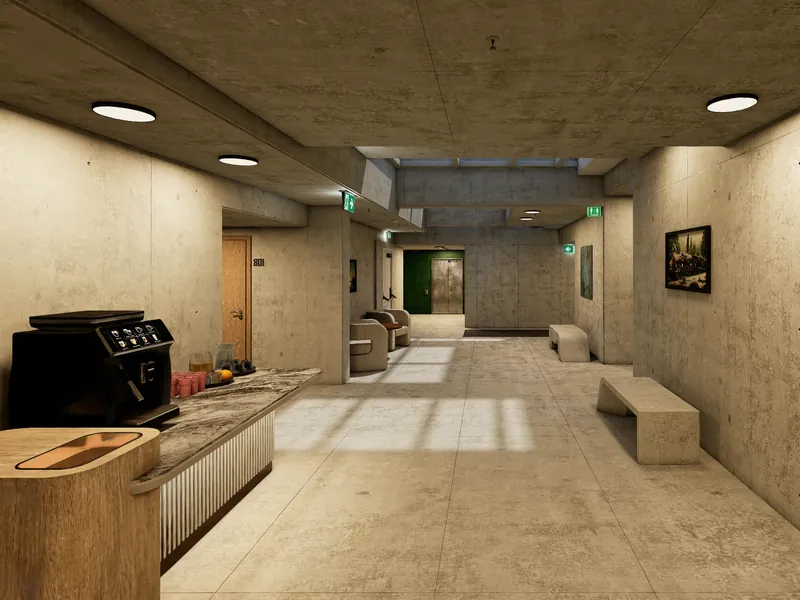
Cyravo — interactive safety training in the browser
Cyravo is a browser-based safety training solution developed by Calesta, where interactive 3D environments, guided progression and learning analytics combine into a manageable training package.
How a project moves
From the first conversation to launch and upkeep: one team all the way.
First conversation
You tell us what you want visitors to be able to do. We agree where to start.
First view to explore
You see how your project looks and works before you agree on scope.
Launch
The experience opens from a link on phone and computer, and the link can be shared.
Upkeep
We keep the experience current and working as your site, offering or needs change.
Perspectives
Perspectives on digital experiences
Short pieces on what 3D in the browser means for a destination, for training, and for the visitor.
How browser-based 3D is changing destination showcases
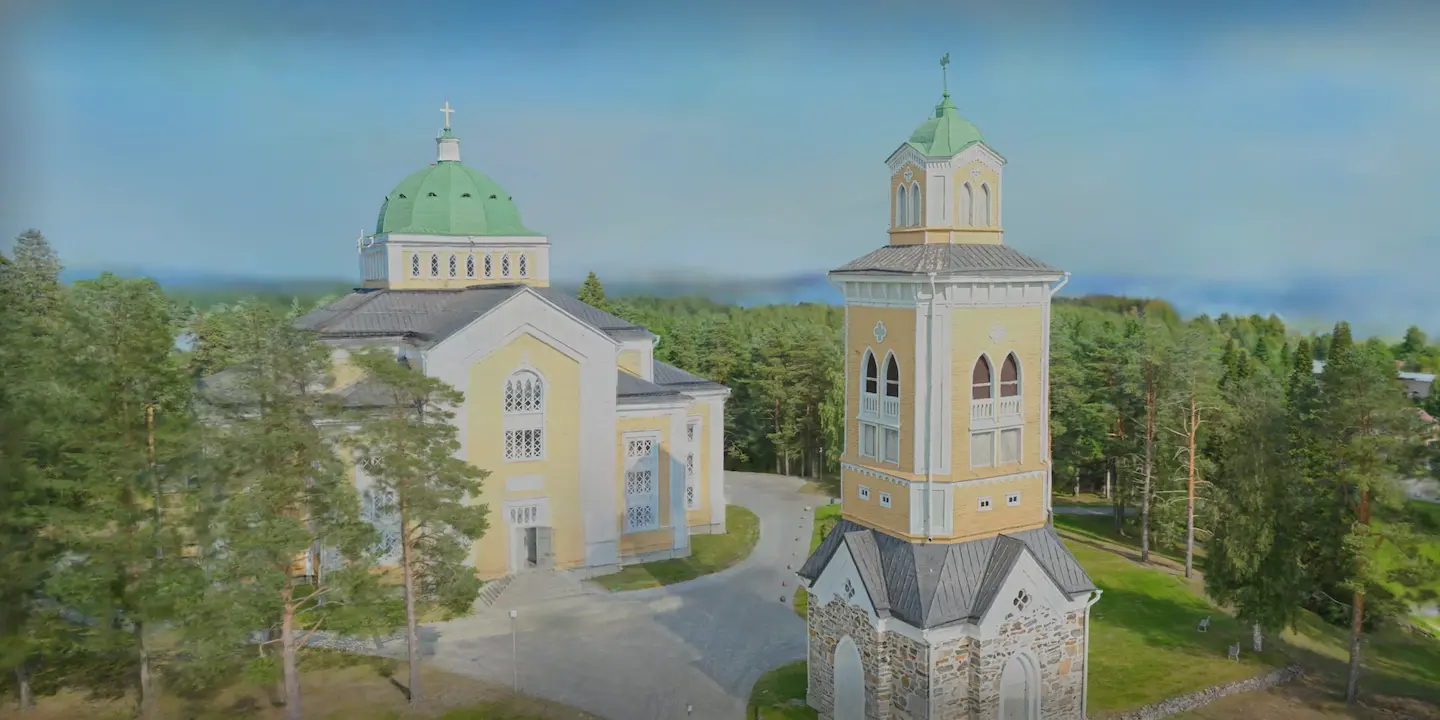
Traditional galleries describe a place — a 3D experience lets you explore it yourself.
Why training benefits from spatial experiences
Practice in a space that mirrors reality helps people understand situations in a practical way — without the risks of the real environment.
AI as a production tool — not a goal in itself
AI is at its best when it makes the experience smoother — not when it is the main feature.
Next step
Request a 20-minute demo
Pick a project type and a ready-made email opens. We go through examples together in 20 minutes.